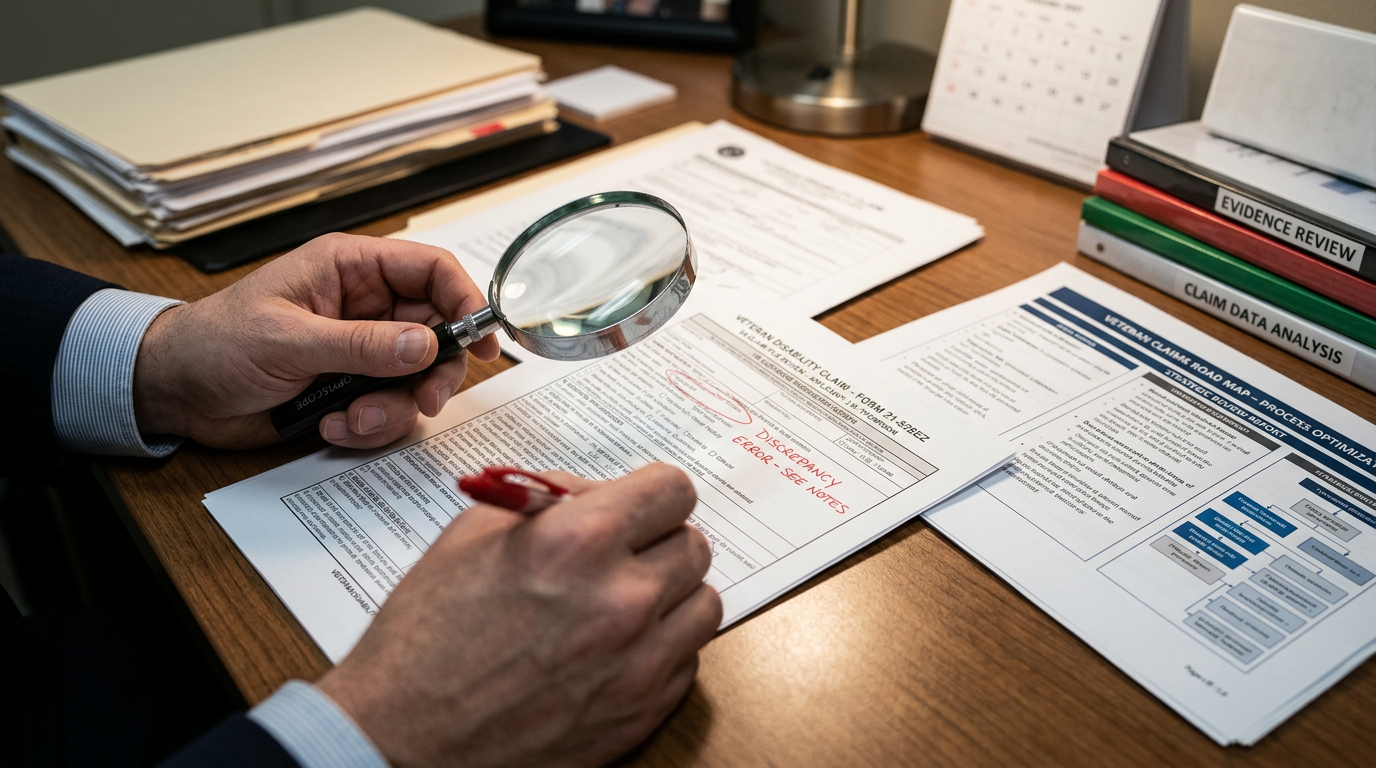

How to Use the VA Online
Almost everything the VA offers now runs through three tools: VA.gov, the VA: Health and Benefits mobile app, and My HealtheVet. This page walks you through signing up for each one and using it, in plain English, step by step, so you never have to hunt for it somewhere else.
One account unlocks all three
Here is the single most important thing to understand: the VA now uses one sign-in for everything. When you create a Login.gov or ID.me account, that same login gets you into VA.gov, the mobile app, and My HealtheVet. You set it up once, you do not need a separate username and password for each.
The old My HealtheVet and DS Logon sign-ins have been retired. If you have not signed in for a while, you will be asked to move to Login.gov or ID.me the next time you try. Do it, it is the safest option, and it is the only one that will keep working.
How to Sign Up for VA.gov
VA.gov is the front door to your benefits. This is where you file claims, check status, and download your official letters. Here is exactly how to create your account. Without a verified account you are stuck waiting on mail and phone lines while your deadlines keep running. Your part is to finish identity verification all the way through, write down which sign-in service you used, and check your claim status and letters at least once a week.
Go to VA.gov and choose “Sign in”
Open a web browser and go to VA.gov. In the top-right corner select Sign in. You do not need an account to read information, but you need one to file, check status, or see your records.

Create a Login.gov or ID.me account
The VA uses two verified sign-in partners: Login.gov (run by the federal government) and ID.me. Pick one, enter your email, and create a strong password. Both work everywhere the VA accepts sign-in.

Verify your identity
You will be asked to confirm who you are with a state ID or driver’s license, your Social Security number, and a phone number in your name. This one-time identity check is what unlocks your claim file, decisions, and health record.
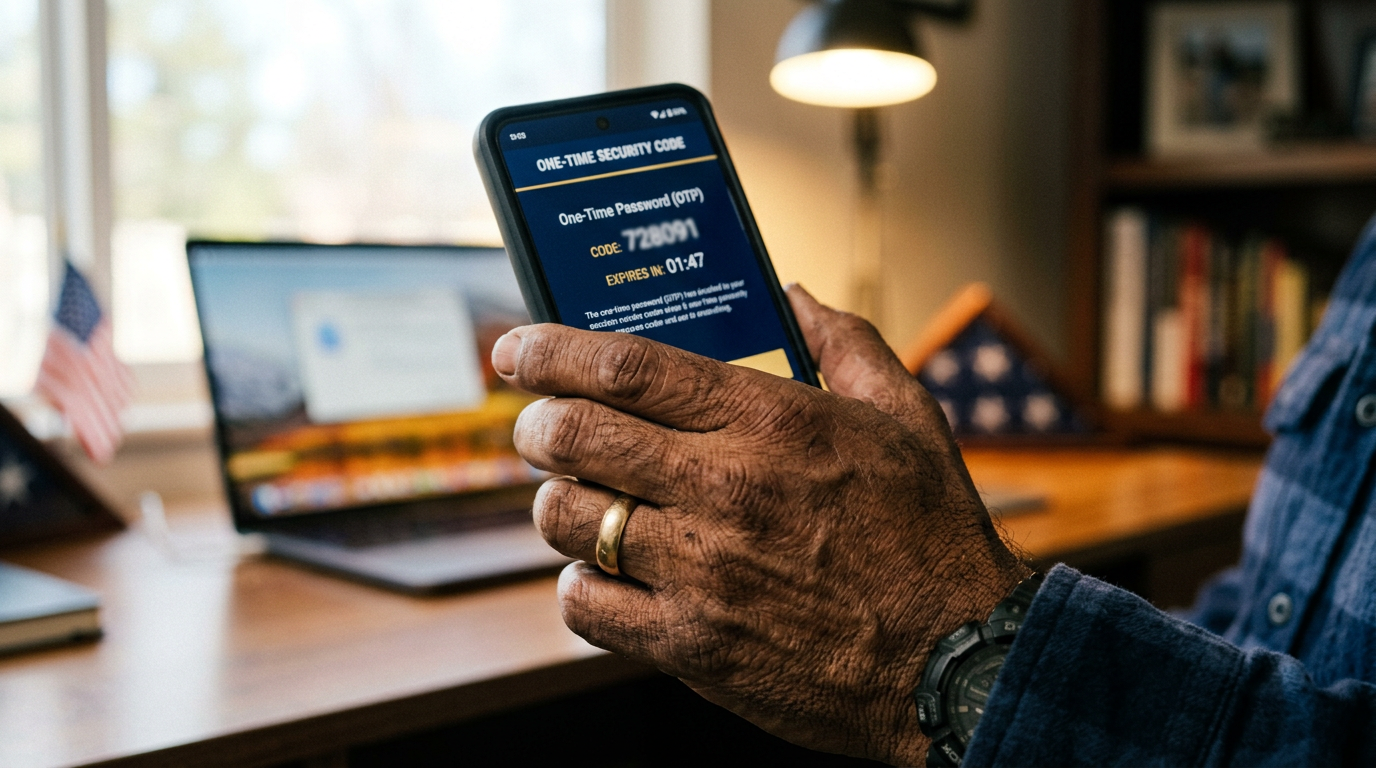
Turn on two-factor security
Choose how you want to receive your one-time security code, text message, phone call, or an authenticator app. This protects your VA account the same way your bank protects your money.

Sign in and confirm your profile
Once verified, sign in at VA.gov. Check that your mailing address, direct-deposit, and contact information are correct, the VA mails decisions and pays benefits based on what is in this profile.
Ready to create your account?
Signing up is an action you take on the VA’s own secure site. This is the one time we send you to the VA directly, because the account has to be created there.
What You Can Do on VA.gov
Once your account is verified, the website becomes your command center. These are the tools that matter most to a disability claim. Each one lets you see what the VA sees, and that is how you catch a missed exam, a request for evidence, or a decision before it costs you. Your part is to use them, download every letter, and keep your own copies outside the portal.

File a claim online
Start and submit a disability compensation claim (VA Form 21-526EZ) directly, upload your evidence, and get an instant confirmation the VA received it.

Check your claim or appeal status
See exactly where your claim or appeal sits, what stage it is in, and what the VA is waiting on, updated as the VA works your file.
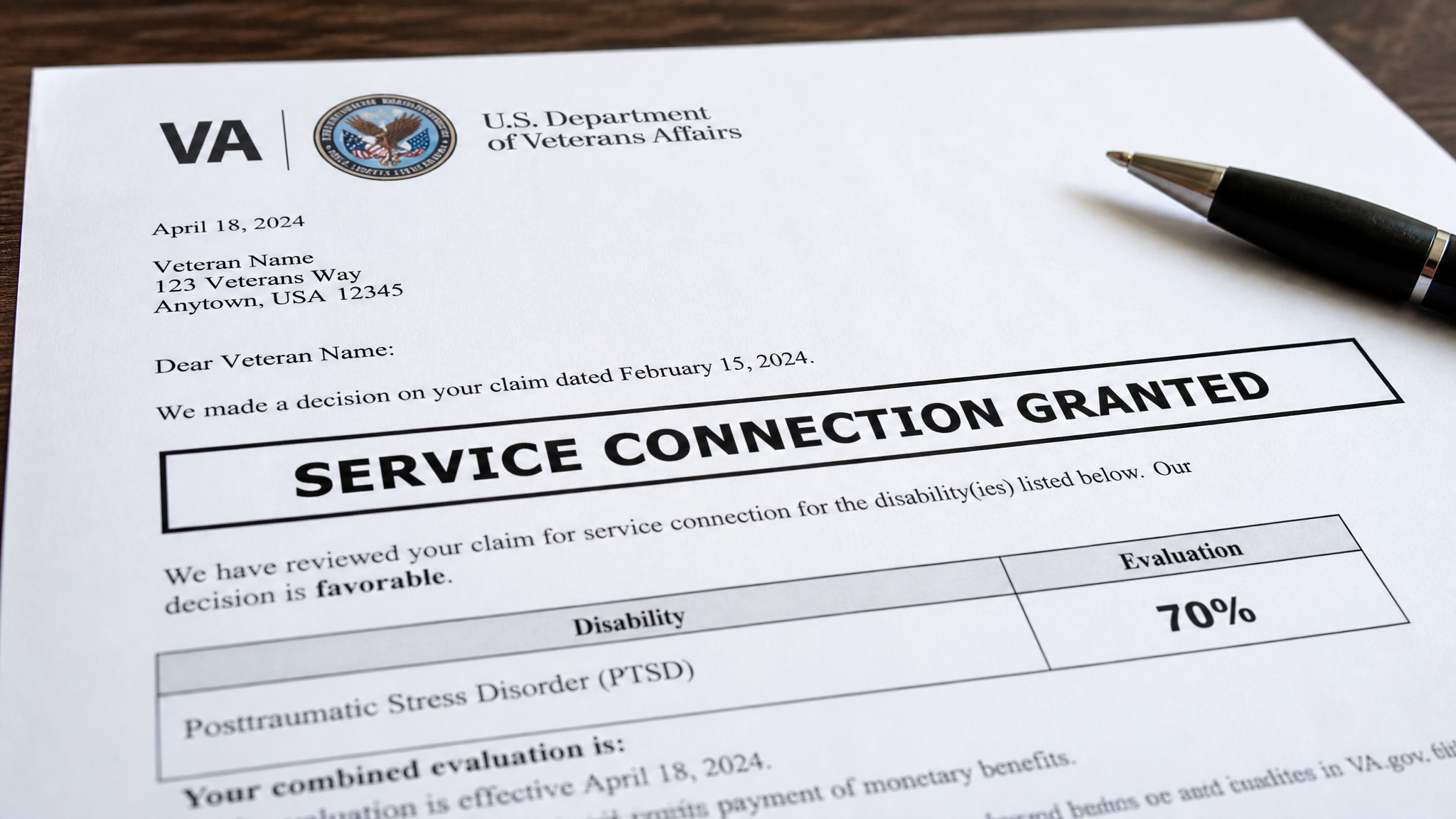
Download your decision letters
Pull your rating decision, benefit-summary letter, and proof-of-service letters as PDFs, any time, no waiting for the mail.
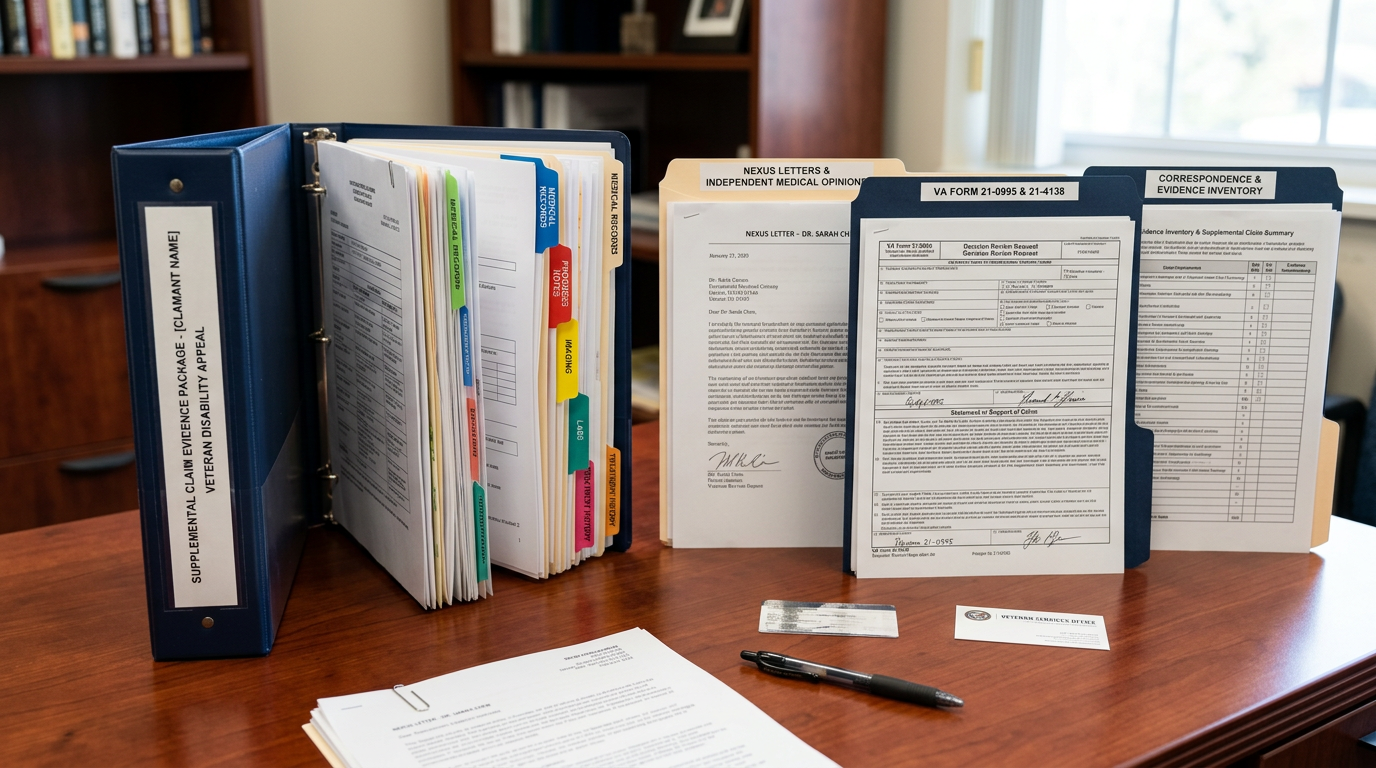
Upload evidence & respond to the VA
Send in nexus letters, buddy statements, DBQs, and private records, and respond to VA requests without mailing anything.

File an Intent to File
Lock in your effective date with VA Form 21-0966 before you are ready to file the full claim, this can protect up to a year of back pay.

Manage payments & dependents
Update direct deposit, add or remove dependents, and view your current combined rating and monthly payment amount.
Real Veterans. Real Claims. Real Outcomes.
Every case on this desk belongs to someone who served. These are the veterans this practice represents, across every era, branch, and condition: the Vietnam vet who was told it was too late, the Gulf War vet the system called a mystery, the young veteran who walked out of a five minute exam with a zero. Different stories, same fight. The record decides the claim, so we build the record.
 Veteran Representation
 Veteran Representation
 Veteran Representation
How to Use the VA Mobile App
The official app is called VA: Health and Benefits. It is free, and it is the fastest way to check a claim from your phone. Download it from the Apple App Store or Google Play, then sign in with the same Login.gov or ID.me account you use for the website.
There is nothing new to set up. If your VA.gov account works, the app works, it simply puts the most-used tools one tap away.
Claim & appeal status in your pocket
Check where your claim stands, see the next step, and get alerts, without opening a computer.
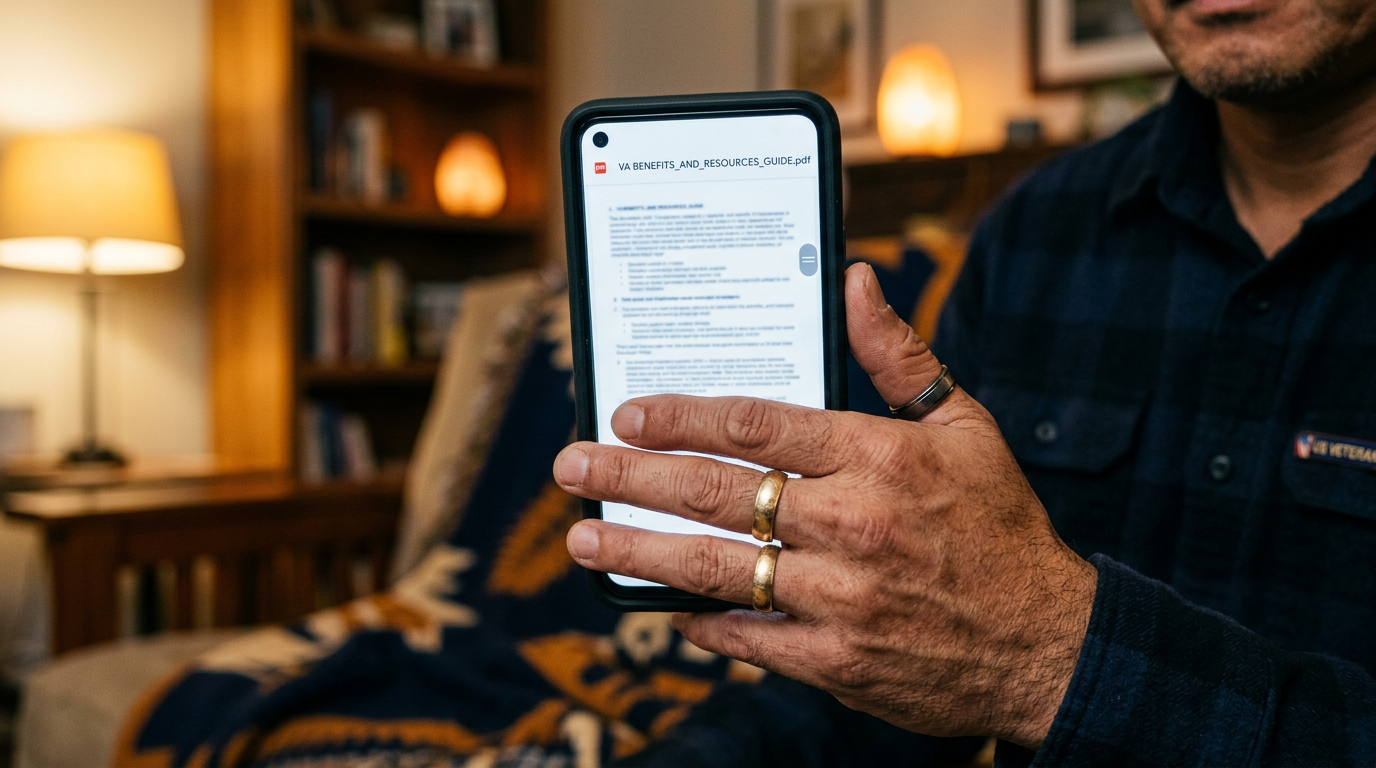
Download letters instantly
Your benefit-summary letter, proof of service, and rating letter, saved straight to your phone as a PDF.
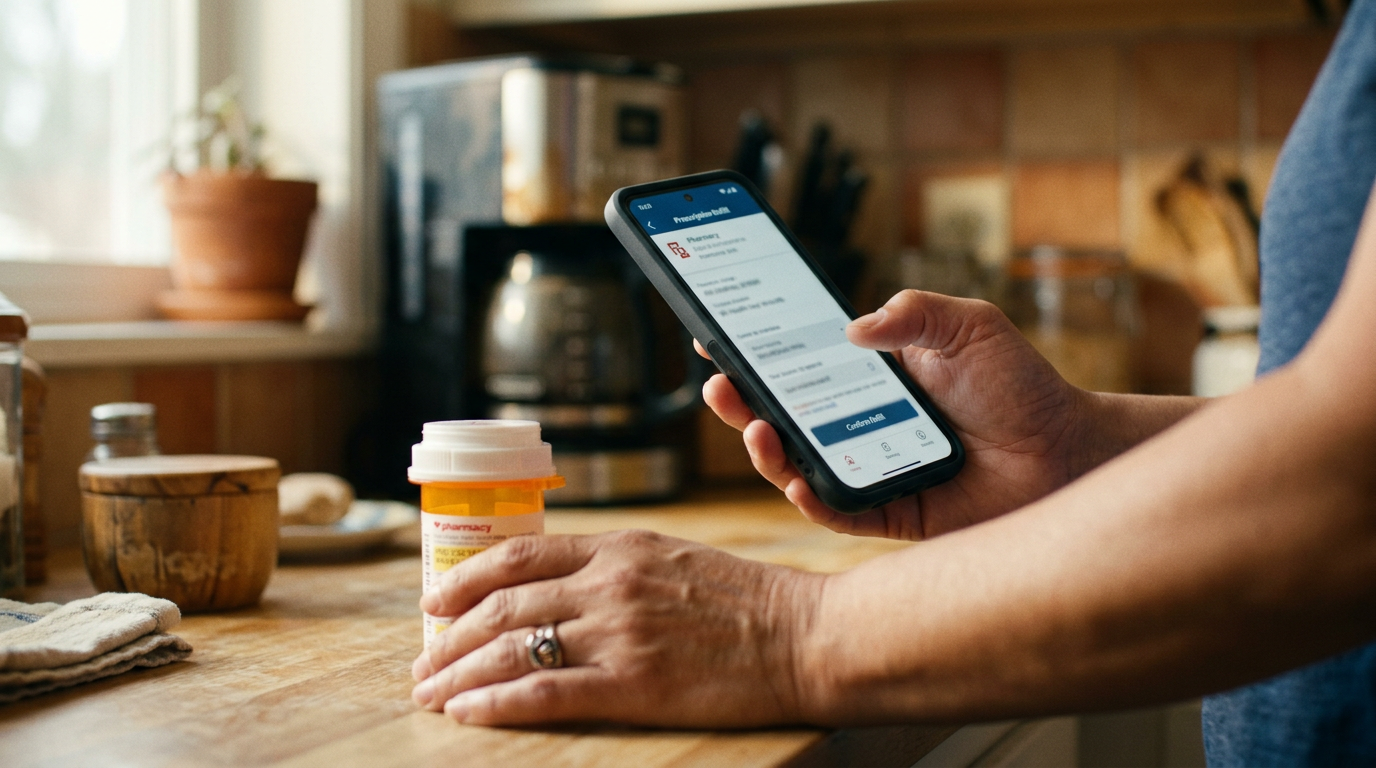
Refill and track prescriptions
Request VA prescription refills and track shipping from the same app.

Message your care team securely
Message your VA providers, ask questions, and get answers without a phone call.
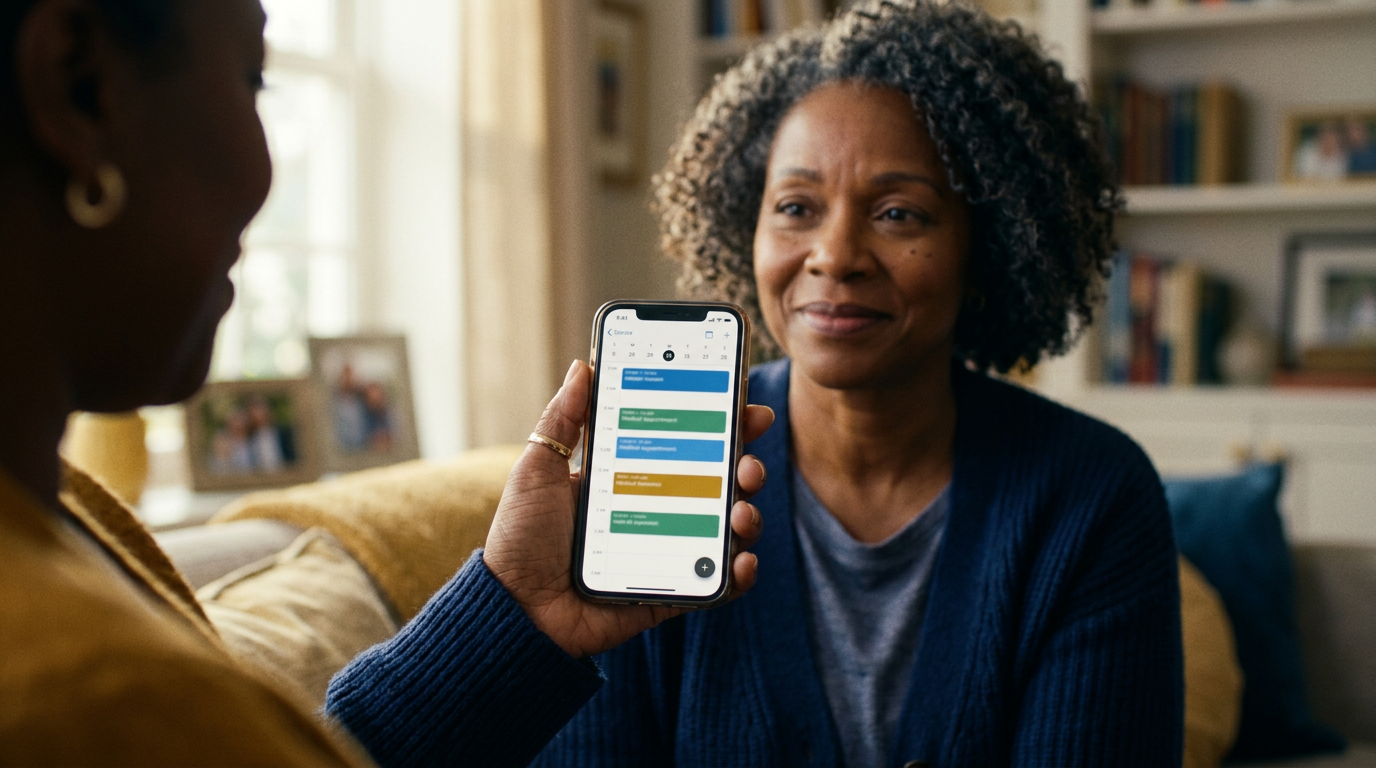
Manage VA appointments
See upcoming VA health appointments, get reminders, and cancel or confirm.

Review your disability rating
View your current combined rating and payment history at a glance.
How to Sign Up for & Use My HealtheVet
My HealtheVet is the VA’s health portal, and for a disability claim, it is a goldmine. It holds your VA medical records, provider notes, lab results, and medication list, the exact evidence the VA looks for when it rates your condition.
The good news: if you already made a VA.gov account, you are already signed up. My HealtheVet now runs on the same Login.gov or ID.me sign-in. Here is how to get in and put it to work.

Sign in with the same VA.gov account
My HealtheVet now uses the same Login.gov or ID.me sign-in you set up for VA.gov. If you already have a VA.gov account, you already have access, no separate password to remember.

Verify your care team is connected
Once inside, confirm your VA medical facility and primary-care team show up. This links your online account to the people who actually treat you.
Refill your prescriptions
Go to Pharmacy, select your active VA prescriptions, and request refills. You can track shipping and set reminders so you never run out.
Use Secure Messaging
Send non-urgent questions straight to your VA care team, appointment questions, medication questions, results follow-up, and keep a written record of every answer.
Download your health records
Use the health-record download (the “Blue Button” report) to pull your VA notes, lab results, imaging, and medication list as one file, the exact evidence that supports a claim.
What My HealtheVet Does for Your Claim
Prescriptions & refills
Refill VA prescriptions, track shipments, and see your full medication list in one place.
Secure messaging
A private, written line to your VA care team for non-urgent questions and follow-ups.
Appointments
View and manage your VA health appointments and set reminders.

Lab & test results
Read your VA lab work, imaging, and test results as soon as they are released.
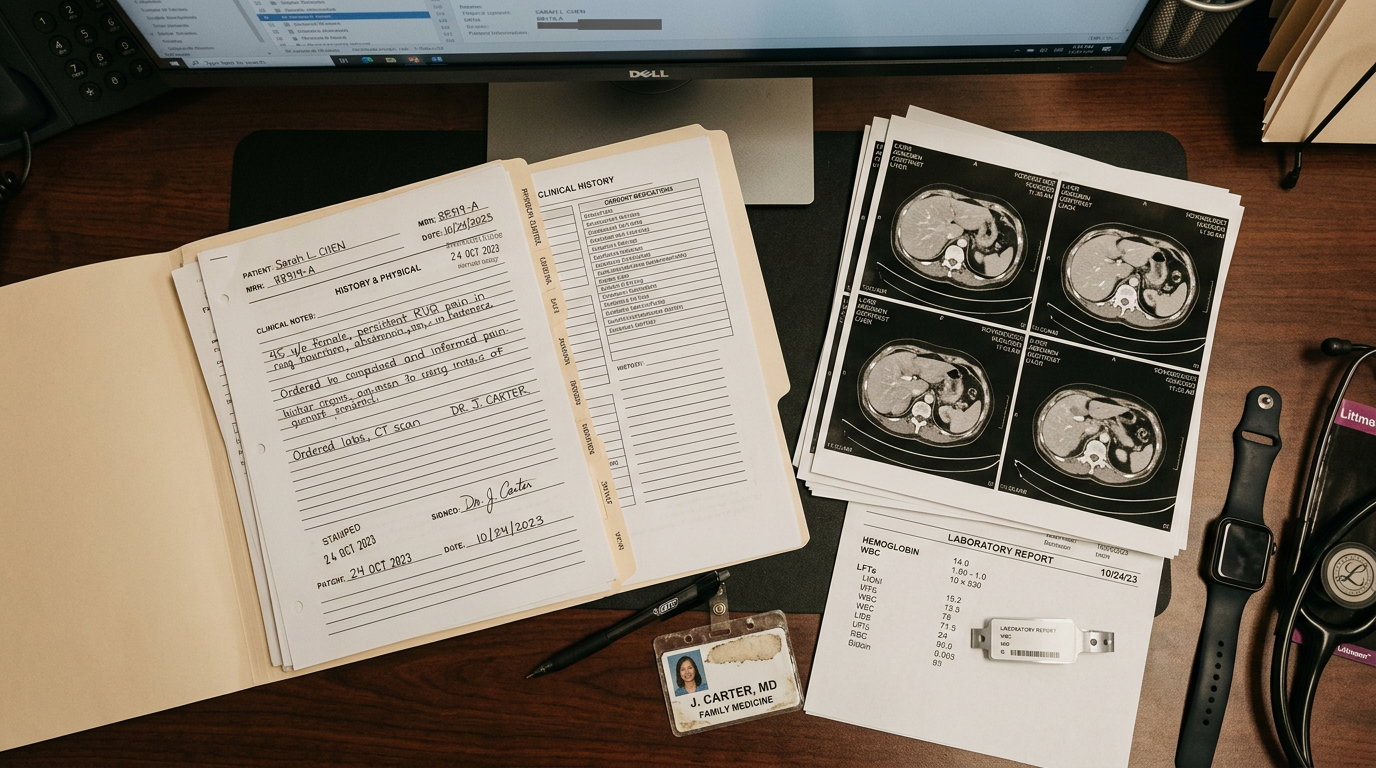
VA medical notes
Read the notes your providers write after each visit, critical when you are documenting a condition.

Download your full record
Pull your complete VA health history as a single report to hand to a private doctor or attach to a claim.
Advocate’s tip: Before you file or appeal, sign in to My HealtheVet and download your full health record. Those provider notes and lab results are the on-the-record proof that ties your condition to your service. We review this record on every case we take.
When to Just Call the VA
The website handles most things, but some questions are simply faster with a live person. When that is the case, here are the numbers that actually get you where you need to go. Phone answers are not binding, so whatever you are told still has to show up in writing. Your part is to note the date, time, and name of the person you spoke with, and ask what document or letter will confirm what they said.

General benefits & claim questions
The main VA benefits hotline. Best when you have a question about an existing claim, payment, or your file that the website will not answer directly.
MyVA411, the one number for everything
The VA’s main information line. If you are not sure who to call, start here, they route you anywhere in the VA, 24/7.
VA health benefits & enrollment
For enrolling in VA health care, questions about eligibility, and copay or billing questions. Best handled by a live person.
My HealtheVet help desk
For trouble signing in, connecting your care team, or using the health portal. Monday–Friday, 8:00 a.m.–8:00 p.m. ET.
If you are in crisis, call the Veterans Crisis Line at 988, then press 1, available 24 hours a day, 7 days a week.
Need the actual VA forms?
Every form the claims process uses, what it is for, whether to file it online or by mail, and how it fits your case, is explained in plain English in our Forms Library. The wrong form can cost you months or reset your effective date, and the VA will not stop to tell you that you picked the wrong one. Your part is to confirm the form fits your situation before you sign and send it.
Watch the VA Walk Through the Basics
Once your account is set up, these official VA videos show you what to expect next in the claims process.
How VA Disability Compensation Works
Tips to Prepare for Your VA Claim Exam